Reverse Image Search a Dating Profile: Spot a Fake in 5 Minutes
Learn how to reverse image search a dating profile photo with free tools, read the results and spot stolen or AI-generated pictures in about five minutes.
The Romance Check · November 17, 2026 · 12 min read

Short answer: to run a reverse image search on a dating profile, save the person's photo (a screenshot is fine), crop it to the face and upload it to a reverse image search tool such as our free profile check, Google Lens, Bing Visual Search or TinEye. If the same face appears under a different name, on a model's or influencer's account, or in several other dating profiles, the photos are almost certainly stolen.
The whole check takes about five minutes and costs nothing. It is one of the simplest ways to find out if photos are stolen before you share personal details or feelings with someone you have only met online. Below you will find each step in plain language, how to read what comes back, and what to do if the search finds nothing at all.
Why scammers use stolen photos
A romance scammer's first tool is a face you will trust. Very few fraudsters use their own pictures. Instead, they copy photos from real people's social media, modelling portfolios or public pages and build an entirely new identity around them.
One set of photos is rarely used only once. The same handful of pictures can be reused across many fake profiles on different apps, with a new name, age and city each time. Scam groups often work like small businesses, and a "proven" face that gets lots of replies is copied again and again.

One real person's photo can end up in dozens of fake dating profiles.
The kinds of photos scammers pick tend to follow a pattern:
- Models and fitness influencers – attractive, professionally lit pictures with plenty of variety.
- Soldiers and officers in uniform – a uniform suggests honour and also gives an easy excuse for never being able to video call. See how this works in our breakdown of the fake deployed soldier romance scam.
- Doctors, engineers and oil-rig workers – respectable jobs that explain long absences, travel and "temporary" money problems abroad.
- Ordinary but attractive people – photos taken from a private family account, because they look genuine and are harder to trace.
More recently, some scammers have stopped stealing photos altogether and use AI-generated faces instead. These pictures show people who do not exist, which means a reverse search may find no matches. We cover how to spot them further down.
None of this means every attractive profile is fake. It means a photo alone proves nothing, and a quick catfish check is a sensible habit, not an insult.
How to save the photo from a dating app
Most dating apps do not let you download pictures directly, but you do not need to. A screenshot works perfectly well for a reverse image search.
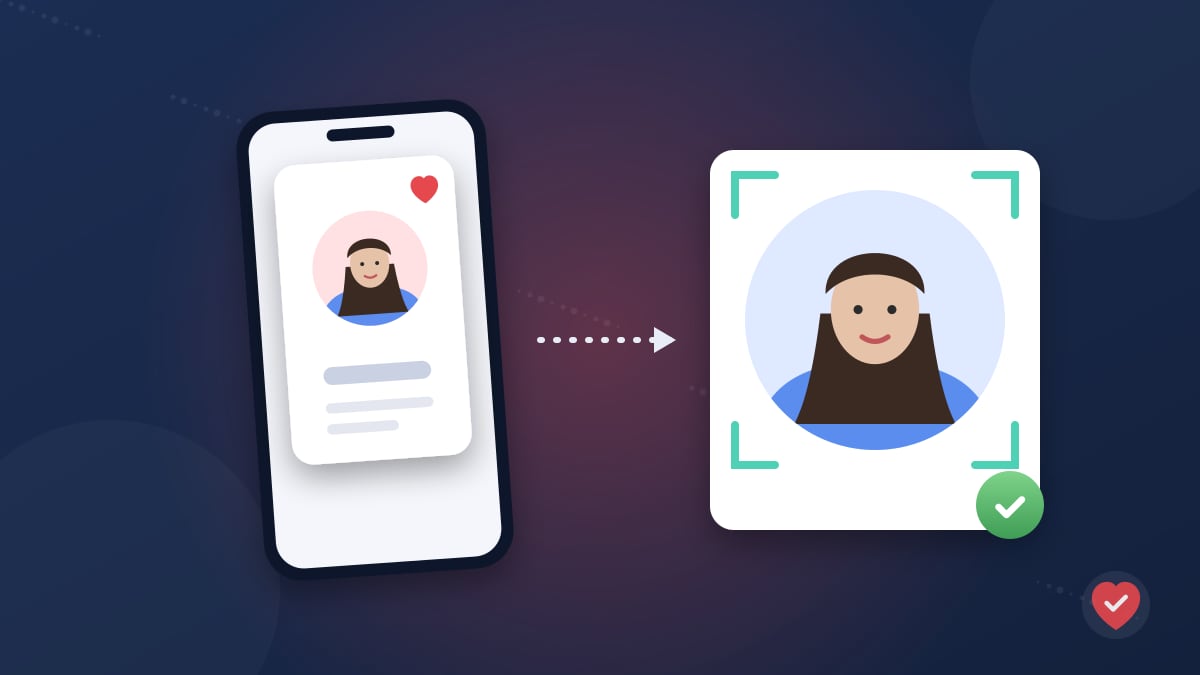
Take a screenshot, then crop it so the face fills most of the picture.
A few tips make the search far more effective:
- Screenshot, then crop. On most phones you press the power and volume-up buttons together (or use the screenshot option in the menu). Then open the image and crop away the app's buttons, text and background so the face fills most of the frame.
- Use several photos, not just one. Scammers often steal a whole album. One picture may return nothing while another leads straight to the real owner. Try at least two or three.
- Check profile pictures and chat photos separately. The profile pictures are what everyone sees. Photos sent later in the chat, such as a "selfie at work" or a picture with a child or a pet, are often taken from the same stolen account and can be even easier to trace.
- Keep the original screenshots. If the profile turns out to be fake, you may want them as evidence when you report it.
- Pick the clearest shots. Blurry, tiny or heavily filtered pictures give weaker results. A sharp, front-facing photo works best.
Step-by-step: reverse image search with free tools to check a dating profile
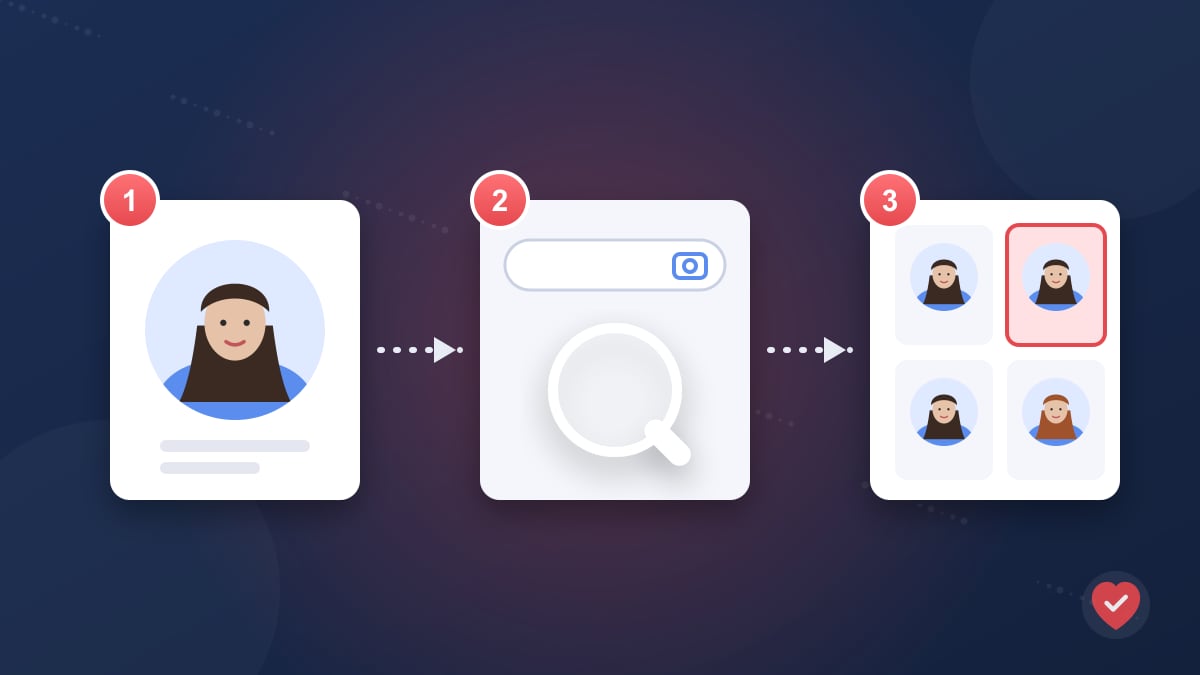
Three steps: upload the photo, let the search engine compare it, review the matches.
Every reverse image search works the same way: you give it a picture instead of words, and it looks for the same or similar images elsewhere online. Different tools search different parts of the web, so if the first one finds nothing, try another. Exact button names change from time to time, but the general steps stay the same.
Our free check
The easiest place to start is our free profile check. Upload a photo: it runs a reverse image search across the web for you, so you do not need to switch between several search engines yourself. You can also add other details you have, such as a phone number, email address or profile link, and see all the warning signs in one place.
Google Lens
Google Lens is one of the most widely used visual search tools.
- On a computer: go to images.google.com and click the camera icon ("Search by image"). Upload your cropped screenshot or drag it into the box.
- On a phone: open the Google app and tap the Lens icon in the search bar, then choose the screenshot from your gallery.
- Alternatively: go to lens.google.com in any browser.
Google Lens is good at finding similar faces and pages where the photo appears, including social media and news sites. Look through the "visual matches" and any results that show the exact same image.
Bing Visual Search
Microsoft's tool sometimes finds matches that Google misses. Go to bing.com/visualsearch, upload the image or paste a link to it, and review the results. As with Google, look for identical photos on pages with a name that does not match the dating profile.
TinEye
TinEye (tineye.com) specialises in finding exact copies of an image, including cropped, resized or slightly edited versions. It can also help you see where a picture appeared earlier online. If a photo of "your" match was posted years ago on someone else's page, that tells you a lot. Upload the image or paste its address, then sort the results to see the oldest versions.
How to read the results
A reverse image search does not give you a simple "real" or "fake" verdict. You have to look at where the photo appears and under what name.
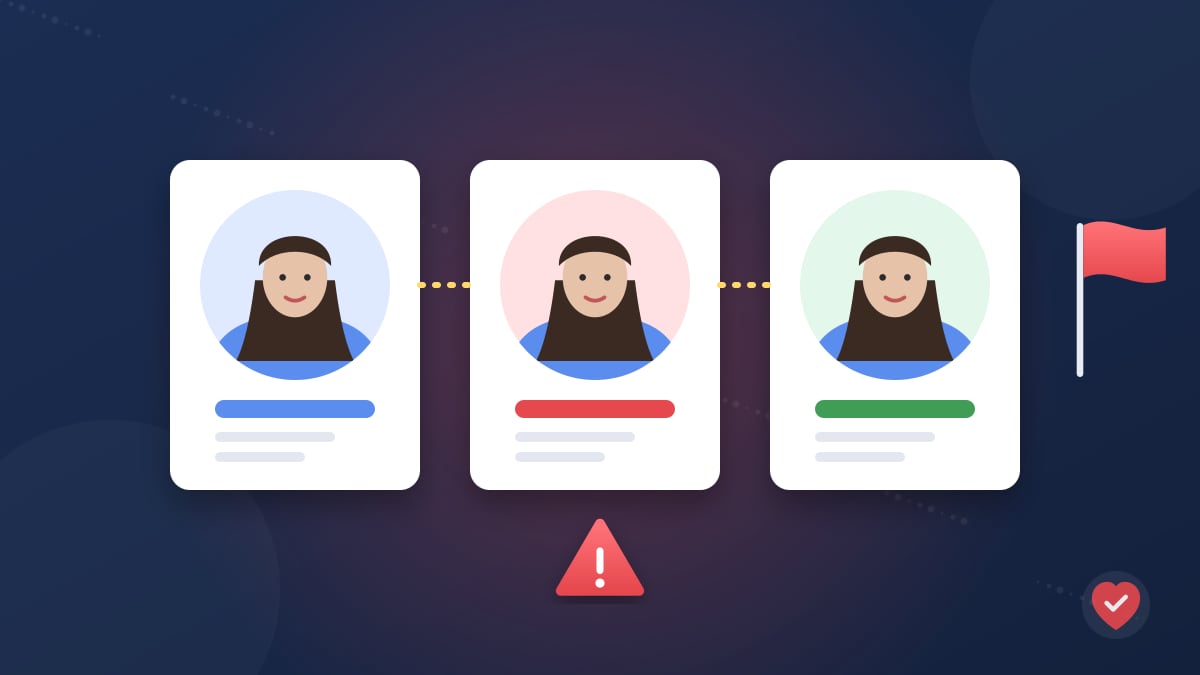
The same face under different names is the clearest red flag.
| What you find | What it likely means | What to do |
|---|---|---|
| The same face under a different name (social media, a personal page) | The photos were very likely stolen from a real person | Stop sharing personal information, do not send money, report the profile |
| The photo is on a stock photo site | It is a purchased or free image, not a real person's private photo | Treat the profile as fake and report it |
| A model's or influencer's public account | A popular person's photos are being reused by someone else | Do not believe explanations like "that's my old account"; report and block |
| The face appears in many dating profiles | The photos are part of a scam operation's "stock" | Report the profile on the platform and stop contact |
| No results at all | Not proof the person is real – AI faces and private photos give no matches | Continue with other checks and ask for a live photo or video call |
| Only their own profile on this app | A good sign, but not a guarantee | Keep checking consistency before you meet or share anything sensitive |
Two points matter most. First, a match under a different name is a much stronger signal than anything the person tells you in the chat. Scammers are prepared with stories such as "my cousin used my pictures" or "that is my modelling account". Second, an empty result is not a clean bill of health. It simply means this check did not find anything.
When reverse search finds nothing: AI-generated faces
AI image generators can now create realistic portraits of people who have never existed. Because the image is brand new, no search engine can find an original. That is exactly why some scammers use them.

Look closely at earrings, hair edges, teeth and the background.
AI faces are getting better, but many still contain small mistakes. Zoom in and look for:
- Mismatched accessories – one earring different from the other, glasses with frames that do not match on each side or melt into the skin.
- Strange hair edges – strands that blur into the background or fade unnaturally around the ears and shoulders.
- A warped background – bent lines, smudged objects, unreadable text on signs or shirts.
- Odd teeth – too many, uneven, or blended into one white strip.
- Hands and fingers – extra or missing fingers, or hands that look twisted or melted.
- Too-perfect skin and lighting – a smooth, airbrushed look in every single photo.
The most reliable test is still a simple request. Ask for a specific live photo, for example holding a piece of paper with your name and today's date, or making a particular gesture. Even better, suggest a short video call. A real person who is interested in you will usually find a way within a few days. Someone who always has a broken camera, bad signal or a military rule against video calls is giving you an answer too.
Other quick checks
Photos are only one part of a profile. A few other checks take only minutes:
- Phone number. Virtual or internet numbers are popular with scammers because they are cheap and anonymous. Our free check can flag them.
- Email address. Disposable or newly created addresses are a warning sign, especially if the person claims a professional job.
- Profile link. If they send you a link to another social media page or website, check that it really belongs to them and was not created last week.
- Consistency. Does their age, job, city and story stay the same over time? Do their photos match what they say about their life? Small contradictions often add up.
For a full list, use our checklist for verifying your online date before meeting and read the 10 red flags of a romance scammer. Requests for money, gift cards, crypto or "investment" help are the clearest red flag of all, whatever the photos show.
What to do if the photos are stolen
Finding out that the person you have been talking to is not who they claimed can hurt. Feeling shocked, embarrassed or sad is completely normal, and it is not your fault. These schemes are designed by professionals to fool kind, intelligent people.
Here is what to do next:
- Do not confront them aggressively. An angry message usually just leads to a new excuse or a sudden emotional story. You do not owe them an explanation.
- Do not send money or personal documents – not for a ticket, a medical bill, customs fees or anything else, however urgent it sounds.
- Report the profile to the dating platform. Use the app's report function and mention that the photos belong to someone else. This helps protect the next person.
- Block the account on the app and on any messaging service you moved to.
- Warn the real person, if appropriate. If you found the genuine owner of the photos, a short, polite message letting them know their pictures are being misused can help them get the fake profiles removed.
- Tell your story. You can report the scammer on our site so others can recognise the same photos and pattern.
If you have already sent money, contact your bank immediately and report it to the authorities in your country, such as the FBI's Internet Crime Complaint Center (ic3.gov) or the FTC (ReportFraud.ftc.gov) in the US, or Action Fraud in the UK. Talking to someone you trust also helps.
FAQ
Is it legal to reverse image search someone's dating profile photo?
In general, yes. You are simply searching publicly available images to protect yourself, much as you would look up a business before buying from it. Just keep the results to yourself or share them only with the platform when you report a fake.
What if the reverse image search finds no matches?
No matches does not mean the profile is real. The photos may be private, newly taken by a scammer, or generated by AI. Continue with other checks, and ask for a live photo or a short video call before you trust the person.
How can I check if a dating profile is fake without them knowing?
A reverse image search is completely private: the person is never notified. The same is true of checking a phone number, email address or profile link with our free check. Only a direct request, such as asking for a video call, involves them.
Can a real person have photos that show up elsewhere online?
Yes. Someone may use the same picture on a social media account or a work page under their own name. That is fine. The warning sign is when the photo appears under a different name, on a stranger's account, or in other dating profiles.
Not sure about someone? Check their profile in seconds.
Check a profile